Moving from Are.na
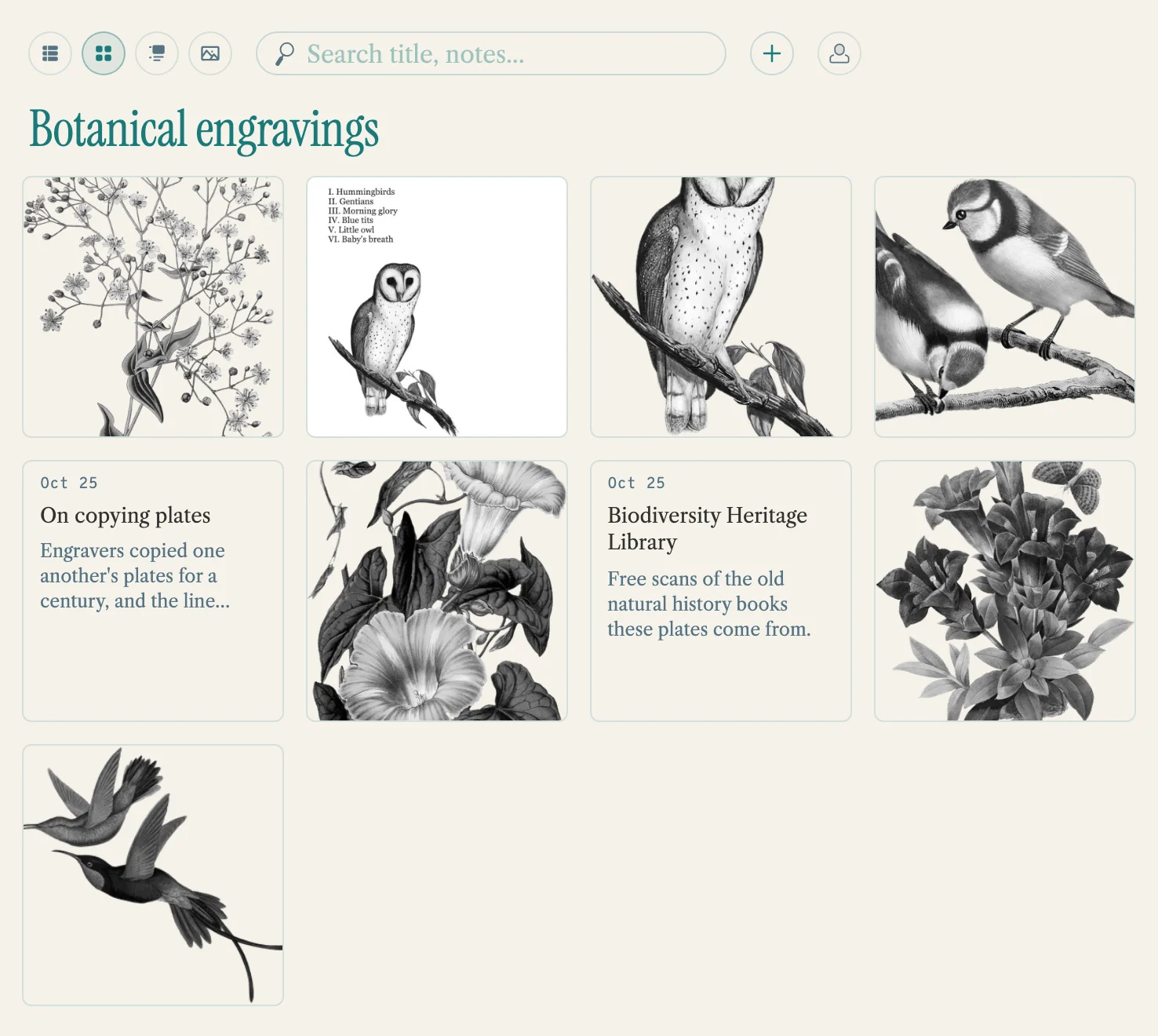
Your Are.na channels can come with you. Each one becomes a pool, Submerse’s word for a collection, with its images, PDFs, links and text, and each bookmark the import adds says who posted the block. Nothing changes on Are.na, so you can keep using both.
How Submerse is different
Are.na is built for connecting ideas in the open. Channels can be open for anyone to add to, people follow each other, and anyone can connect a block to their own channels.
Submerse is a library first. Pools start private: share one with the people you choose, or publish it as a page anyone can visit. There’s no following: a pool holds only what the people in it save. What Submerse adds:
- Find things by what’s in them. Submerse’s AI describes and labels what you save, and writes out the words in screenshots, so a search finds a picture by its description or the words in it. You can turn the AI off.
- Keep the article. For most articles you save, Submerse keeps a readable copy, in case the page changes or disappears.
What comes with you, and what stays
- Each channel you pick becomes a private pool, with its description, in the same order as on Are.na.
- Images and PDFs are copied in, and the AI describes and labels them like anything you upload. A big channel can take more than a month’s worth; the rest are saved without a description, and you can ask for one once a new month starts. To keep them away from AI altogether, turn off Auto-enrich Bookmarks in Settings → Profile before you import.
- Links keep the titles they had. Submerse doesn’t summarize them or keep a copy unless you choose Re-enrich on one. Text blocks bring their text, in the notes.
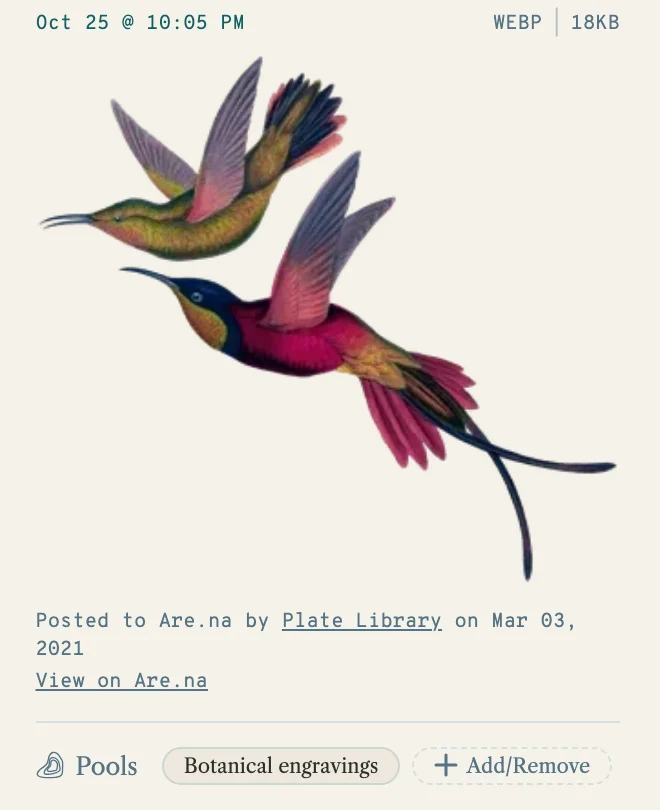
- Each bookmark the import adds says who posted the block on Are.na, and when. You and the people you share the pool with see it; a public page doesn’t show it.
Comments, followers and collaborators stay on Are.na, and so do channels inside a channel: pick the ones you made on their own to bring them. The two don’t stay in sync. Running the import again brings in what’s new, and puts back anything you took out, so tidy up after a re-run. Help has more on files, sizes and limits.
How to move
- Start with the free trial, so your channels fit: without a plan, an account holds 20 bookmarks. Make an account, then choose Subscribe in Settings → Billing.
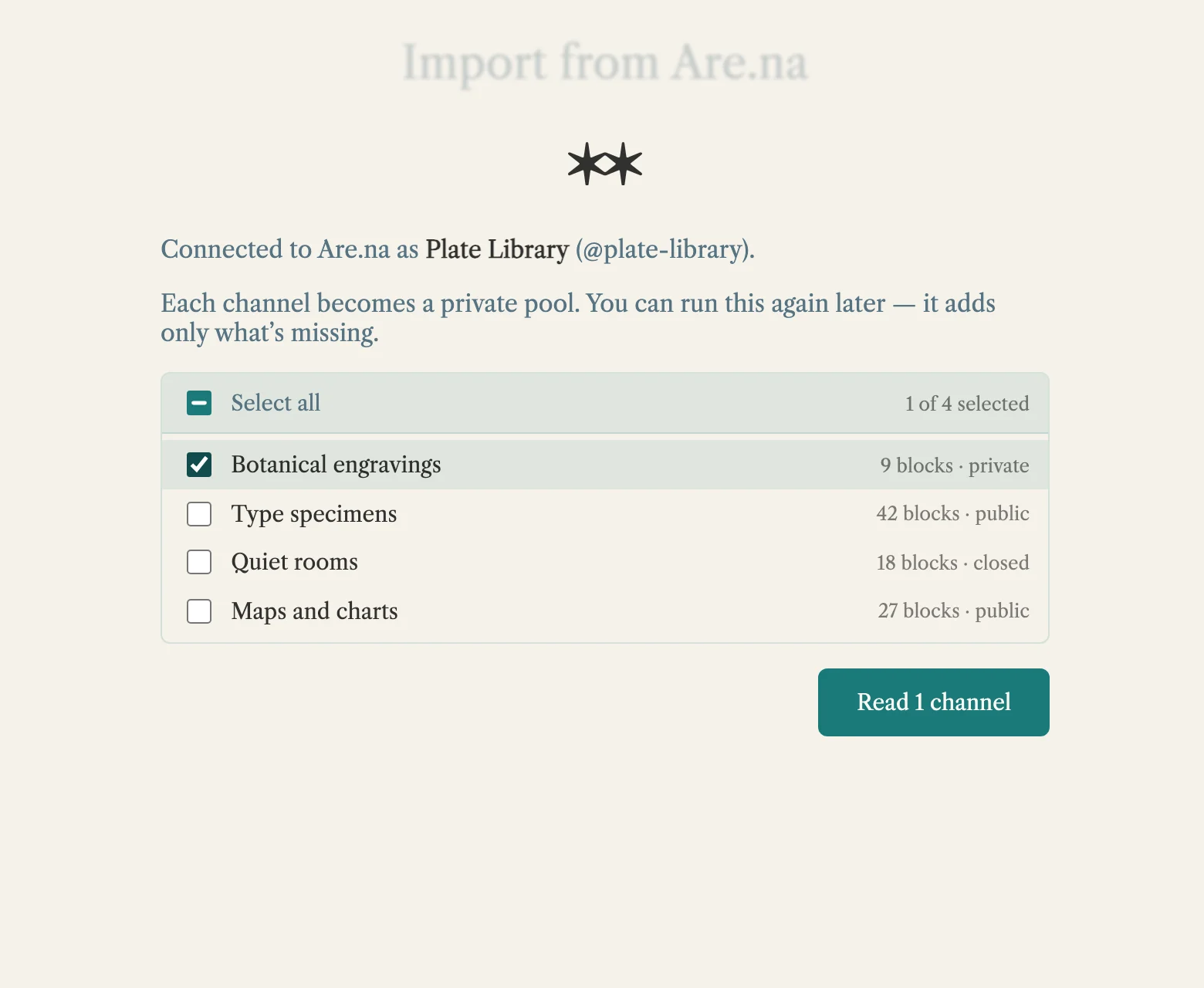
- On the Submerse website, open the app menu, choose Import/Export → Import from Are.na, and connect your Are.na account. Submerse asks for read access only.
- Pick from the channels you made, look over what will come across, and choose Import. Keep the tab open until it finishes; if it stops, run it again and it picks up where it left off.
Keeping Are.na too
To keep sharing on Are.na, Export to Are.na makes a new channel there from any pool, and running it again adds only what’s new. A pool you imported goes back as a second copy of its channel.
Questions
Does Submerse see my Are.na password?
No. You sign in on Are.na, not on Submerse. Submerse gets read access, keeps it only in your open tab, and never saves it.
Something didn’t come across
The results list anything that was skipped. Run the import again later and it adds the blocks that were still processing on Are.na. Still stuck? Write to support@submerse.it.
Are.na’s name and mark belong to its owner. Submerse isn’t made by or affiliated with Are.na.